
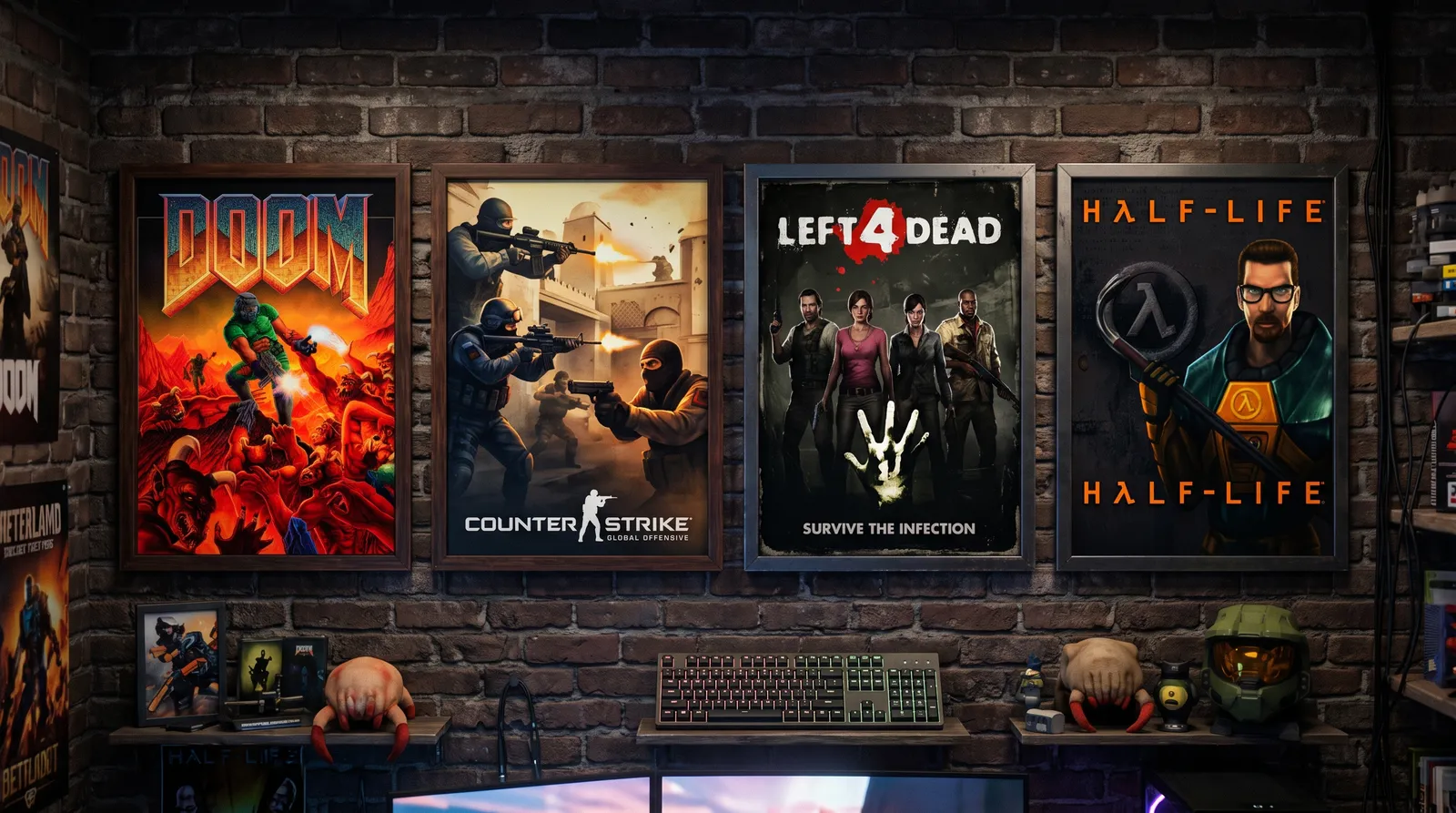
Your games, your servers.
A small, private service that runs self-hosted game servers. Clean, fair-play rooms for friends and family members you actually play with.
Not sure what to play? Browse the library →
Why a private service
Public servers forgot what made multiplayer fun.
Two locations, one mesh
Servers run in France and Germany, close enough that everyone in the circle gets a clean, low-latency game — with capacity listed openly on every title.
Clean, fair-play rooms
No wallhacks, no aimbots, no scripted griefing. Private servers mean the person holding the angle is someone you know — not a stranger with cheats.
Always on, always ready
The servers keep running whether or not anyone is playing. Pick up a session any evening, and the status page tells you everything at a glance.
Live on the servers
From DOOM to Counter-Strike, hosted and waiting.
DOOM + DOOM II
The original deathmatch and co-op, played the way they were meant to run — on your own machine, under your own rules.
Project Zomboid
A hardcore isometric survival sandbox running on our server node, with persistent stats and strict anti-cheat rules.
Satisfactory
Co-op 3D factory automation and exploration that rewards projects measured in days, not matches.
7 Days to Die
Voxel survival crafting with a weekly horde night, hosted on private infrastructure with clean rules.
Counter-Strike 2
The modern tactical shooter on Source 2 — private high-tickrate Linux servers, none of the public-queue drama.
Soul Knight
A pixel-art dungeon-crawling roguelike built for local multi-device co-op.
Made for LAN-style play, over the internet.
Some of these titles were never meant to leave a local network. On game-play.net that is not a problem — the hosted servers take care of it, so an old favourite plays over the internet just as cleanly as it did in the same room.
Everything is private and capacity is what the status page says. Addresses are given to members and never published — if you can sign in, your details are waiting where you left them.
Read the connecting guide- 01
Sign in
Members sign in with their details; nothing is public or open.
- 02
Pick a title
Choose from the library and check its servers and capacity.
- 03
Connect & play
Join the hosted server from your client. That is the whole ritual.